Introduction
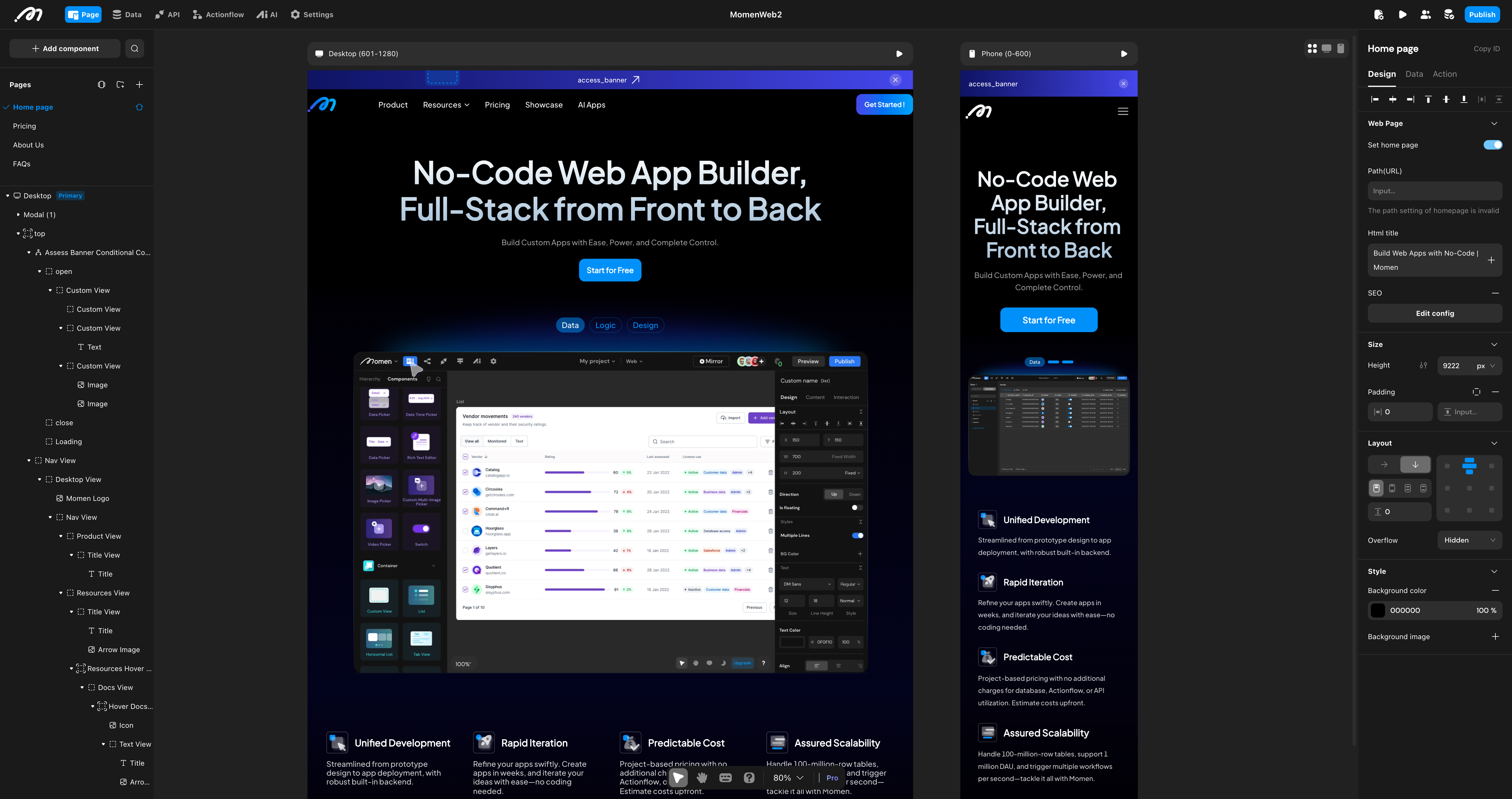
Momen (momen.app ) is a full-stack vibe no-coding platform: describe the app you want, let AI build it, then look it over, change what you want, and ship it.
What AI writes into your project is not code — it is tables, Actionflows, pages and permissions, no-code resources that were designed to be read and operated by people who do not write code. So you can confirm AI got it right without reading code, and you never have to wait for someone else to change it. See Build with AI.
AI builds the same full-stack capabilities you can build by hand:
- Interface Design: Construct high-fidelity responsive interfaces using drag-and-drop components and Flexbox layout.
- Data Modeling: Built-in high-performance relational database which supports complex data structures and relations.
- Logic Orchestration: Visually define frontend interactions and orchestrate backend business logic using Actionflow.
- One-Click Deployment: Publish web apps instantly and streamline mobile app publishing (Closed Beta), sharing the same backend.
- Operations & maintenance: Handle app updates, granular permissions, and resource monitoring.
Quick start video
👉 Build an App from Data to Logic to UI Design
Learning path
For no-code beginners
We recommend reading the Getting Started section sequentially:
- Explore the Mental Models to build a strong foundation in Design/Data/Action.
- Read Build with AI for the describe → build → inspect → change → verify loop.
- Learn the Methodology to establish a systematic approach to building applications.
- Review the Editor Overview to familiarize yourself with the editor interface.
- Complete the Build Your First App tutorial.
For experienced developers
For advanced users, you can go to the technical references and advanced guides directly:
- Advanced Data: Master Data and Query and Bind Data.
- Advanced Layout: Master the Layout System.
- Action System: Review the Interaction model and Build Actionflows.
- Integrations: Consult Integrate APIs.
- Headless · Momen BaaS: Develop your frontend in your own codebase or vibe coding tool — see Headless · Momen BaaS.
- Extensibility: Build Code Components, develop with Run Code, and use the Runtime API Reference.
Community & support
If you encounter any issues, get help through:
- Forum: Post your questions on forum.momen.app .
- Email: Contact us at hello@momen.app.