SEO Reference
This reference lists all search engine optimization (SEO) configuration options in Momen. Configure these parameters to improve how your Web application is indexed and ranked by search engines such as Google.
For setup workflows, see Domain, SEO & Integration. For rendering mode selection, see Rendering Modes.
All SEO settings take effect only after the project is published. In CSR mode, page-level SEO configurations are not available.
1. Global Configuration
Global settings are in Settings → SEO and apply to all pages in the project.
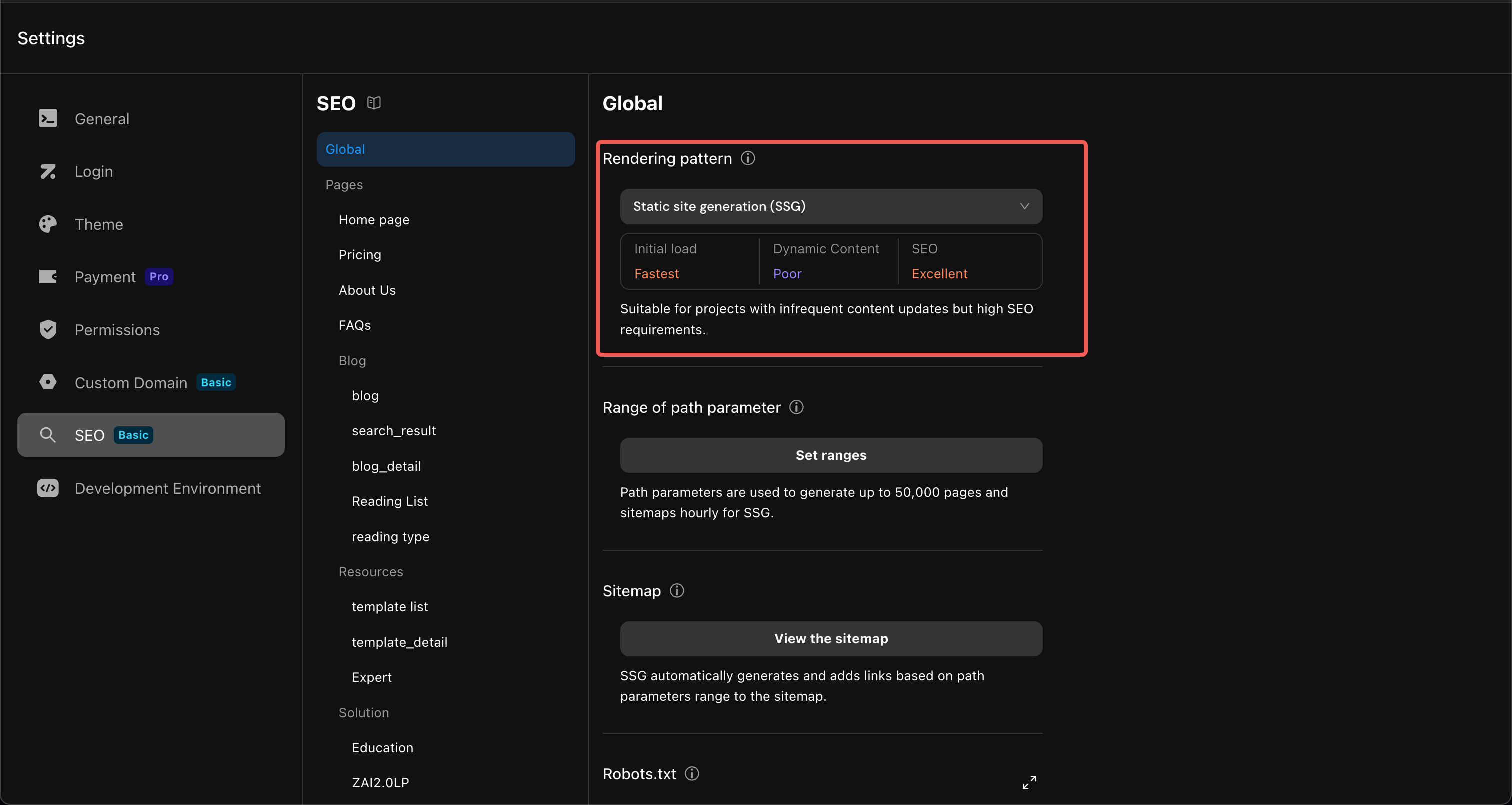
1.1 Rendering Pattern
Determines when and how pages are rendered. Directly impacts performance and SEO.
| Mode | When Rendered | Initial Load | SEO | Plan Availability |
|---|---|---|---|---|
| CSR | Browser | Slow | Poor | All plans |
| SSG | At publish time, stored on CDN | Very fast | Excellent | Basic, Pro, Single Tenant |
| SSR | Server (per request) | Fast | Strong | Single Tenant Server |
1.2 Path Parameter Range (SSG)
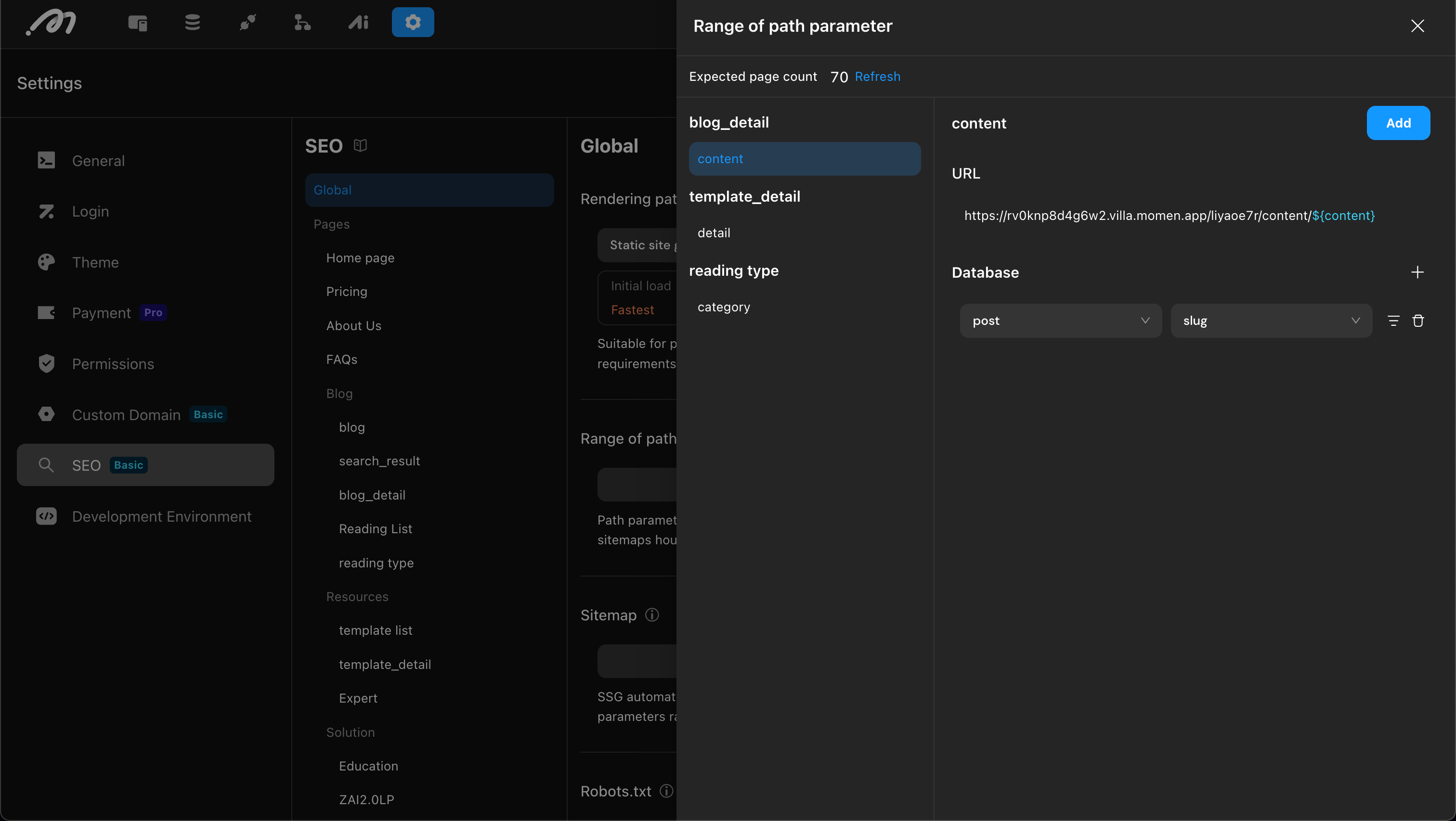
For pages with dynamic path parameters (e.g., /blogs/${slug}), configure:
- Static Data: Fixed URL values entered manually.
- Database: Values pulled from a data table with optional filter conditions (e.g.,
published == true).
The merged list drives sitemap generation and SSG pre-rendering.
1.3 Sitemap
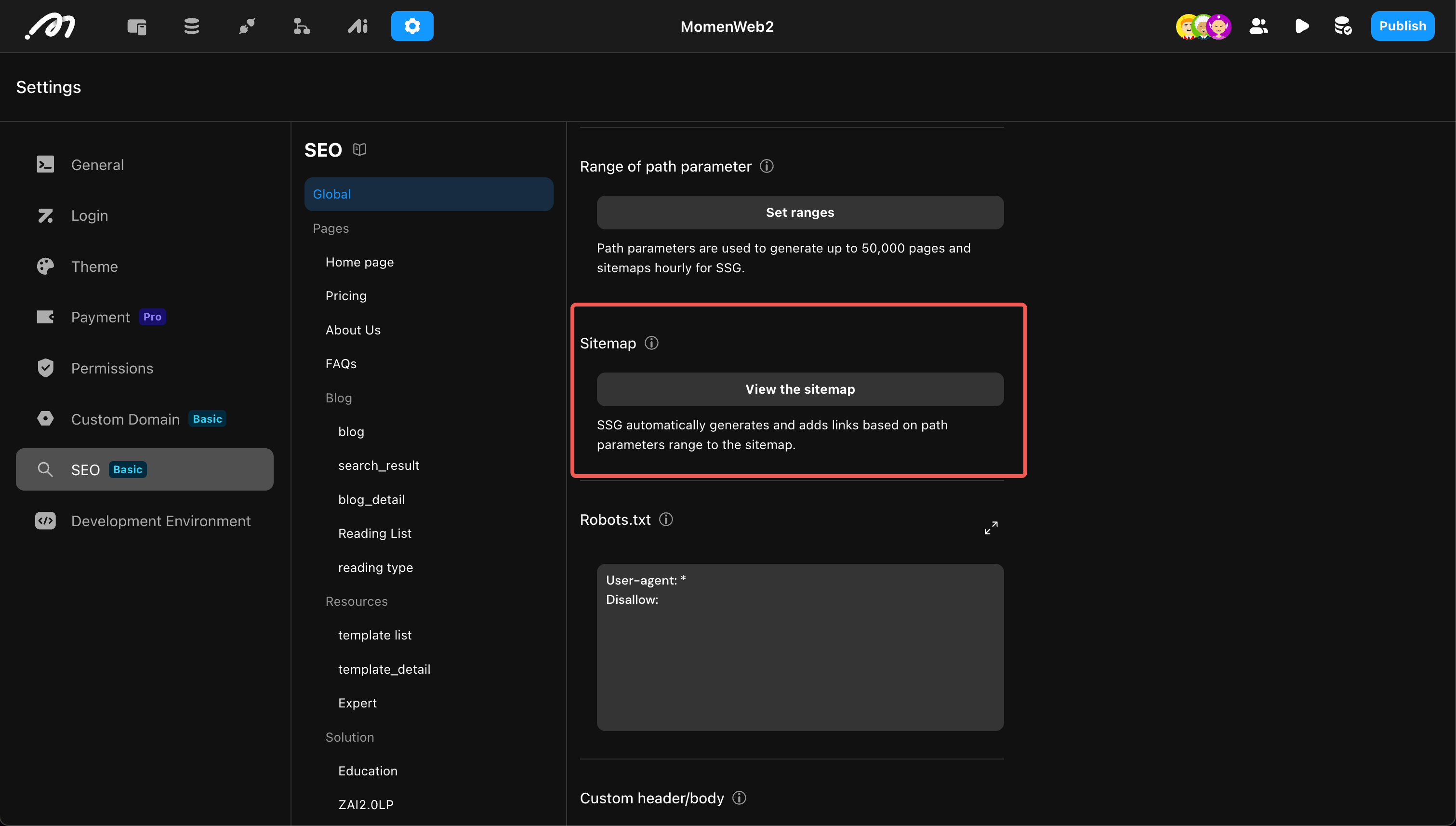
An XML file listing site URLs for search engine crawlers.
| Mode | Advantages | Disadvantages | Best For |
|---|---|---|---|
| Real-time update | Dynamic; URLs added after visits | May miss unvisited pages | High-traffic, user-driven sites |
| Pre-generation | Complete sitemap at publish time | Requires republish after data changes | Marketing sites, blogs, catalogs |
1.4 robots.txt
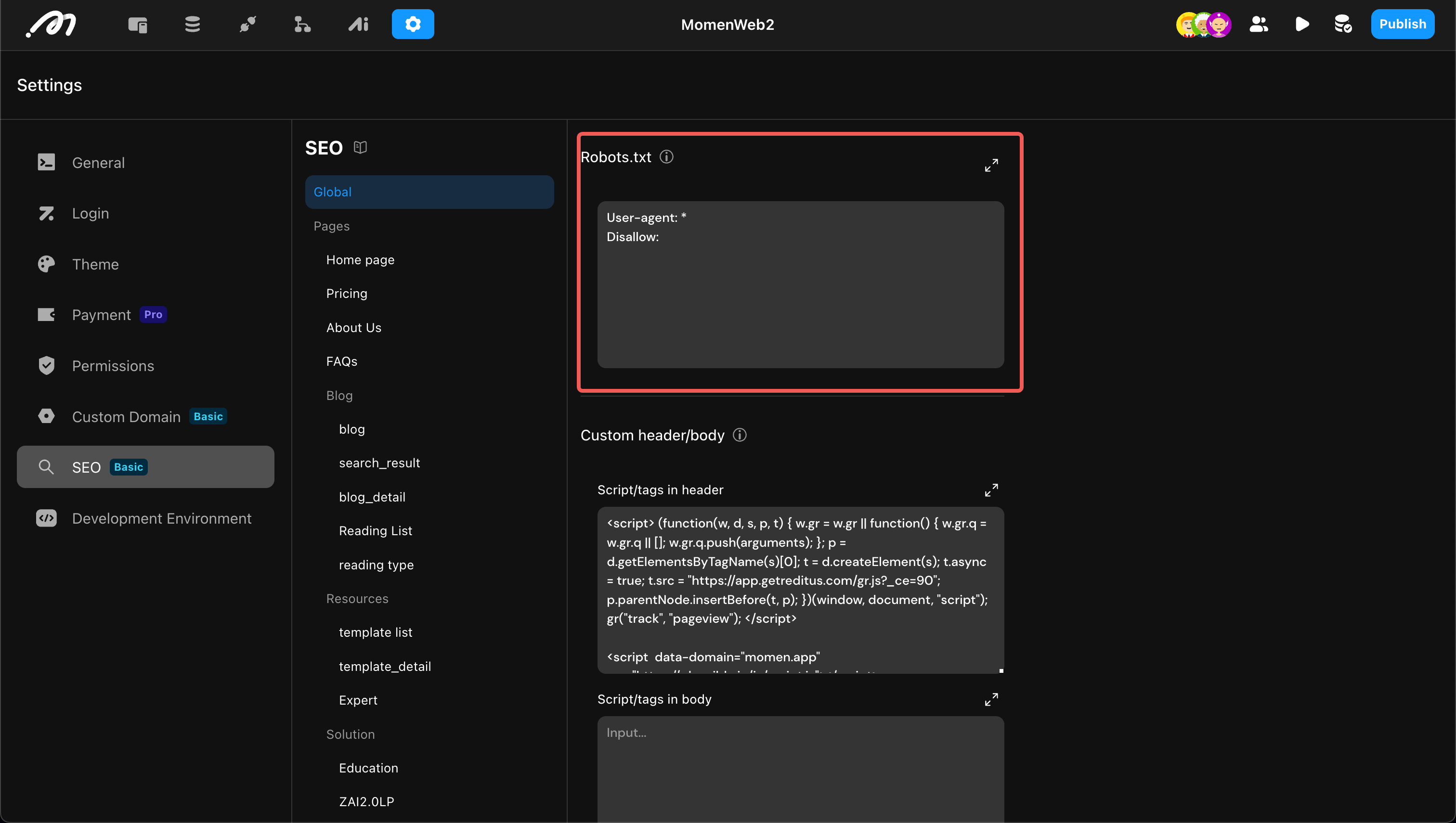
A root-level text file that tells crawlers which paths to allow or disallow.
- Configure standard robots directives in the SEO panel.
- Example:
User-agent: *
Disallow: /admin/
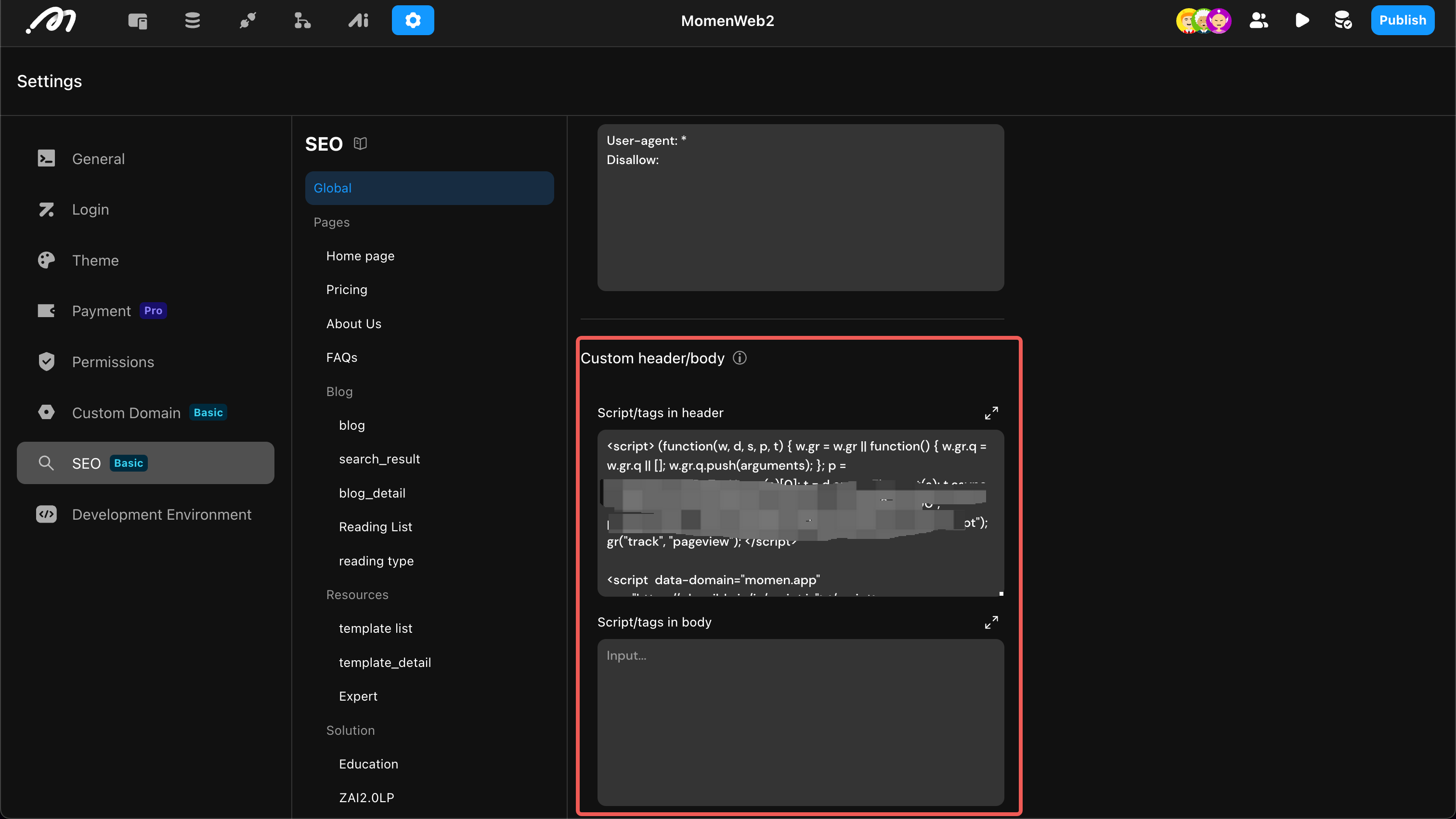
1.5 Custom Global Header / Body
Inject custom tags into the HTML <head> or before </body>.
Typical uses:
- Third-party analytics (Google Analytics, etc.)
- Global meta verification tags
2. Page-Level Configuration
Page-level settings are in each page’s property panel and apply only to that page.
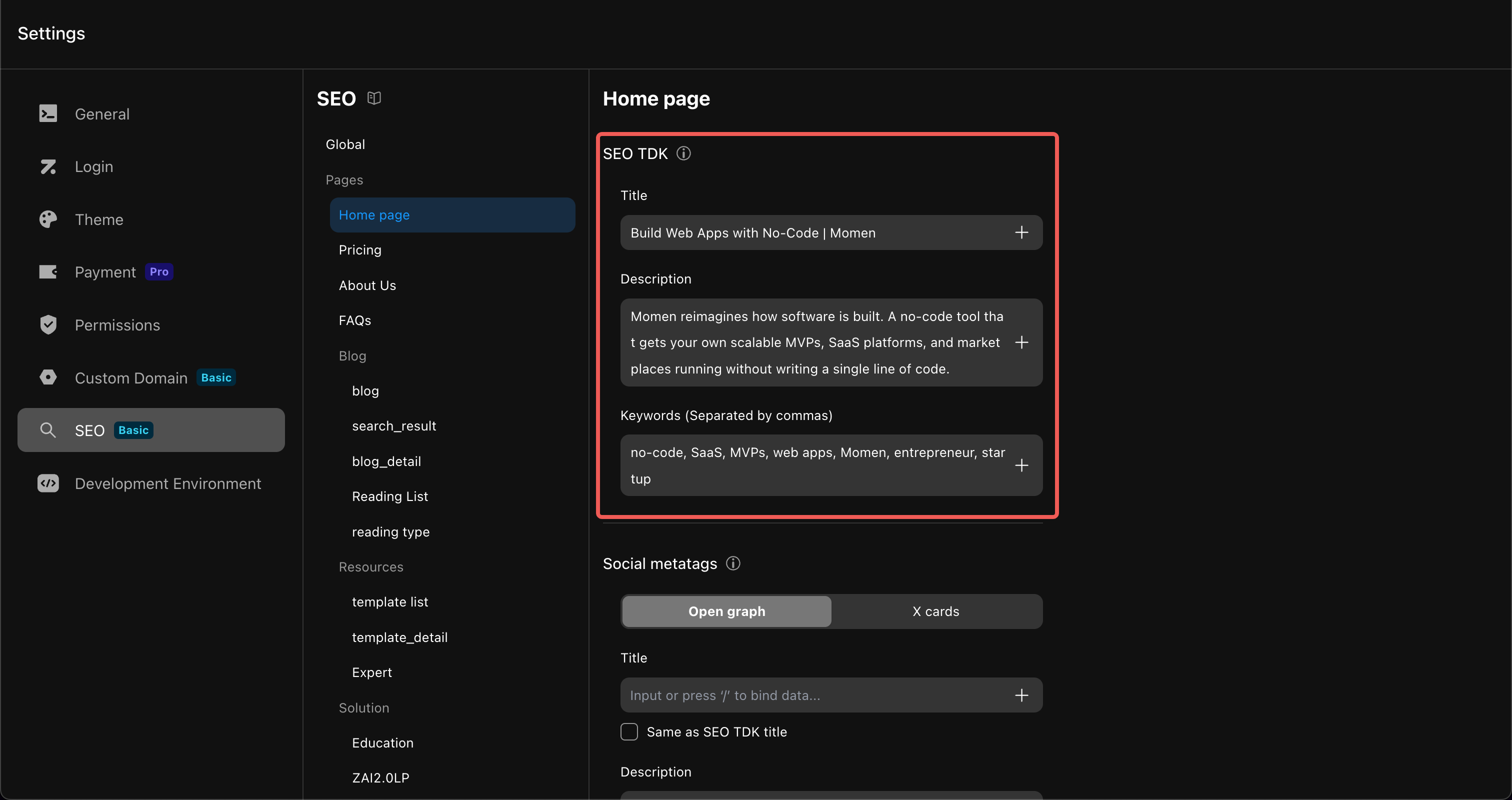
2.1 TDK (Title, Description, Keywords)
Core metadata for search result cards.
| Parameter | Guidelines | Role |
|---|---|---|
| Title | ~60 characters; include brand and primary keyword | Browser tab title and search result headline |
| Description | ~150 characters; summarize page content | Search result snippet text |
| Keywords | 3–5 comma-separated terms; avoid stuffing | Helps classify page topic |
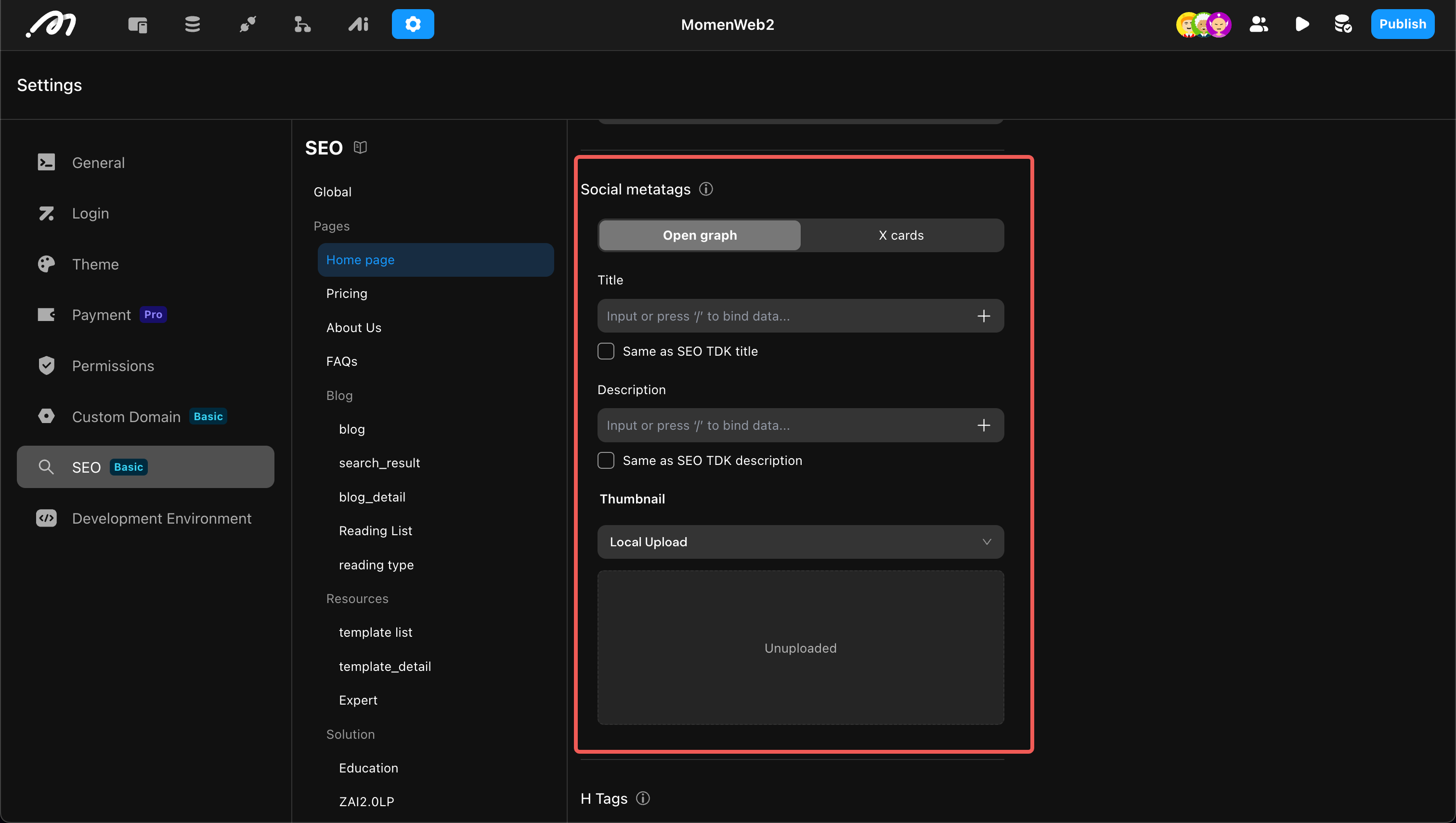
2.2 Social Media (Open Graph & X Cards)
Controls how the page appears when shared on social platforms.
| Property | Meta Tag | Momen Configuration |
|---|---|---|
| Title | og:title | Card title (defaults to page Title) |
| Description | og:description | Card summary (defaults to page Description) |
| Image | og:image | Share thumbnail image |
Momen also supports X Cards for the X platform. Both can be enabled simultaneously.
2.3 Canonical URL
Specifies the preferred URL when duplicate or similar content exists at multiple paths.
<link rel="canonical" href="https://www.example.com/blog/main-page" />Prevents search engines from splitting ranking authority across duplicate URLs.
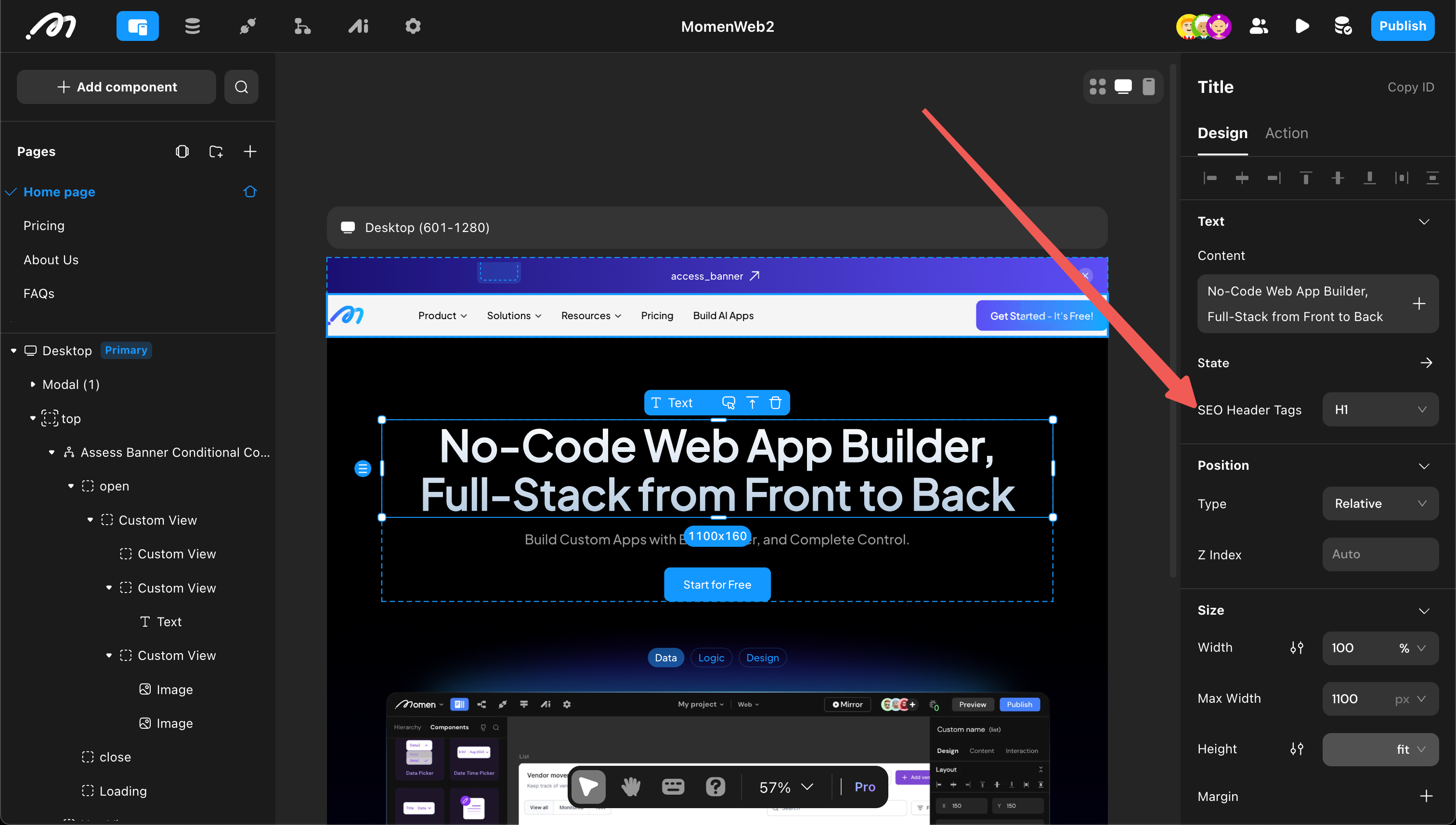
2.4 H Tags
Heading tags (H1–H6) define document structure for crawlers.
- One H1 per page: Assign the primary page title to a single
H1. - Sequential hierarchy: Use
H2for sections,H3for subsections — do not skip levels.
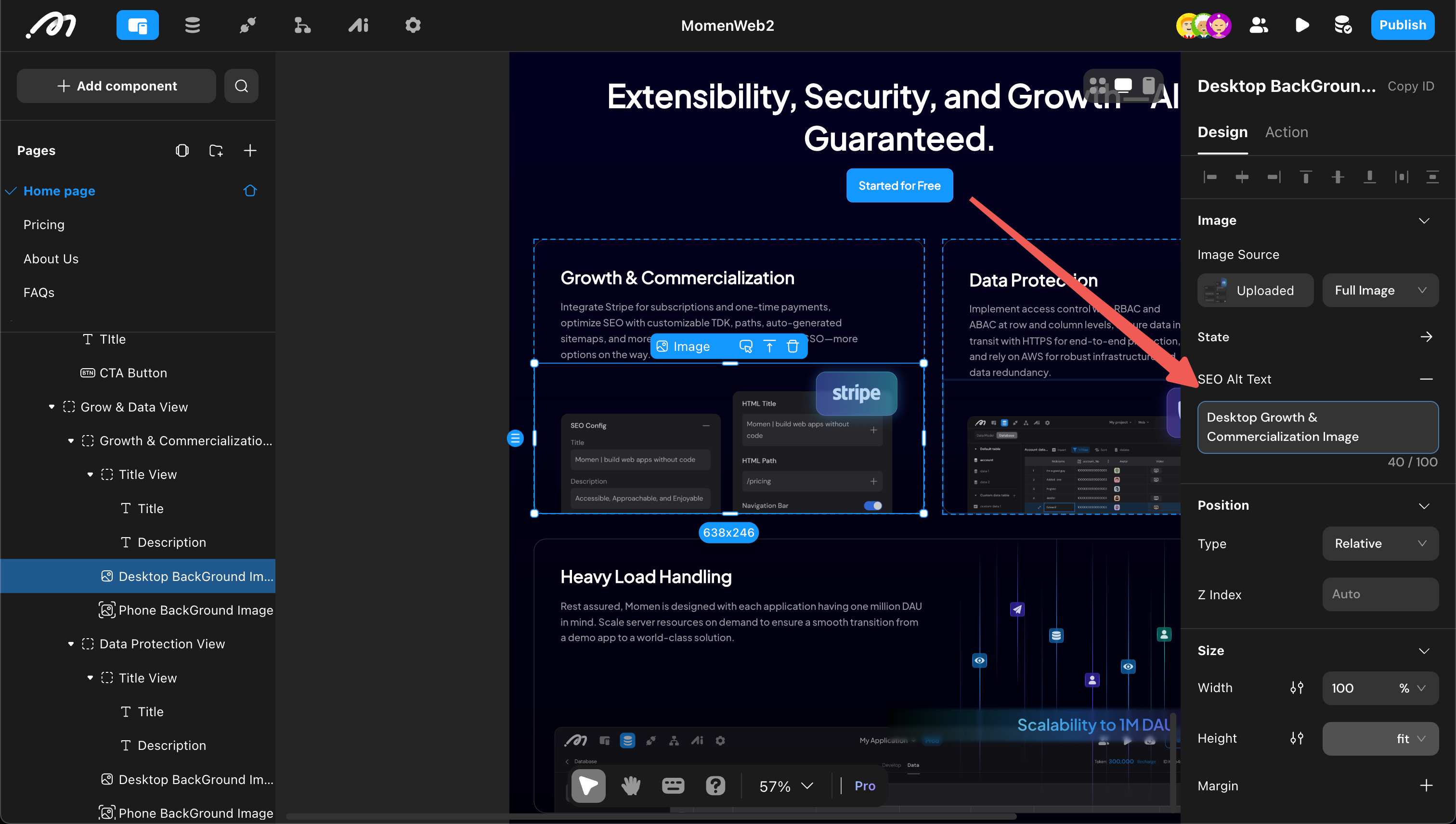
2.5 Image Alt Attributes
Alternative text describes image content for crawlers and accessibility.
- Configure in the image component’s ALT property panel field.
- Use descriptive, factual text — not keyword stuffing.
3. Plan Availability Summary
| Plan | Rendering Patterns | Page-Level SEO |
|---|---|---|
| Free | CSR | Not available |
| Basic | CSR, SSG | Available (SSG) |
| Pro | CSR, SSG | Available (SSG) |
| Single Tenant Server | CSR, SSR, SSG | Available (SSG/SSR) |